Skip to content
View in the app

A better way to browse. Learn more.

Quit Train, A Quit Smoking Support Community

A full-screen app on your home screen with push notifications, badges and more.

To install this app on iOS and iPadOS
  1. Tap the Share icon in Safari
  2. Scroll the menu and tap Add to Home Screen.
  3. Tap Add in the top-right corner.
To install this app on Android
  1. Tap the 3-dot menu (⋮) in the top-right corner of the browser.
  2. Tap Add to Home screen or Install app.
  3. Confirm by tapping Install.

DenaliBlues

Members
  • Joined

  • Last visited

Everything posted by DenaliBlues

  1. tamer
  2. 3. Chillax
  3. 8 months!!! Rock on, Quitting Girl!! So proud that you have kept your quit.
  4. NOPE for me, too!
  5. omens
  6. DenaliBlues replied to beazel's topic in Games
    Haul a load.
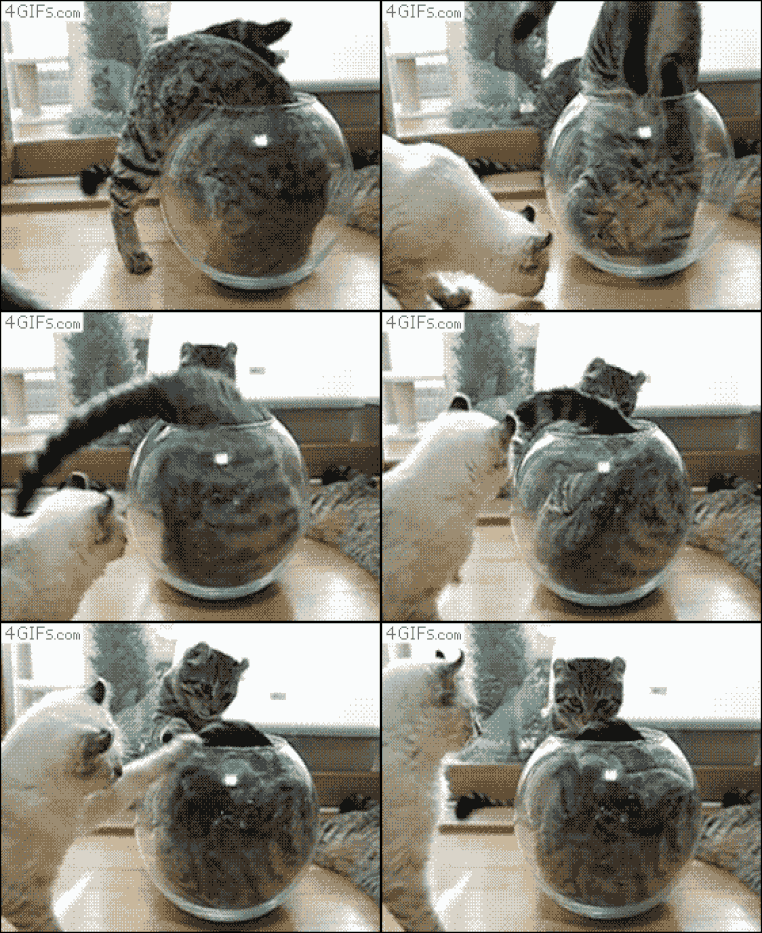
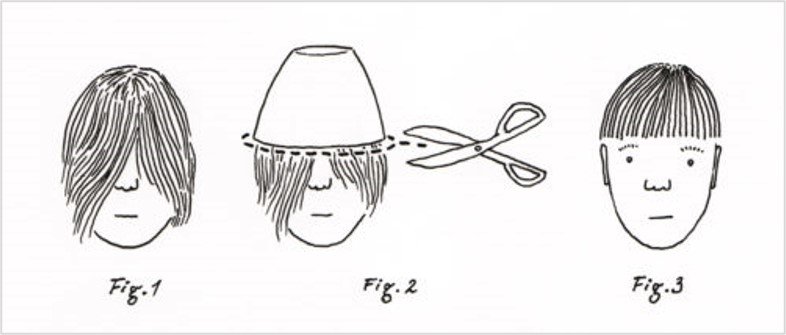
  7. 10. Clean your razor Howzabout 10 things you can do with a…. BOWL.
  8. DenaliBlues replied to Colleen's topic in Games
    Wing nut
  9. DenaliBlues replied to beazel's topic in Games
    Not a clue.
  10. spoon
  11. Saw him outwit evil schemers. plots

  12. DenaliBlues replied to beazel's topic in Games
    Pitch the tent
  13. Stent
  14. Scene
  15. Kangaroo Groomer
  16. score
  17. DenaliBlues replied to beazel's topic in Games
    Kong was King
  18. DenaliBlues replied to Colleen's topic in Games
    West Wing
  19. DenaliBlues replied to Colleen's topic in Games
    Missing person
  20. So sorry for your loss, Jimmy. Take good care.

Account

Navigation

Search

Search

Configure browser push notifications

Chrome (Android)
  1. Tap the lock icon next to the address bar.
  2. Tap Permissions → Notifications.
  3. Adjust your preference.
Chrome (Desktop)
  1. Click the padlock icon in the address bar.
  2. Select Site settings.
  3. Find Notifications and adjust your preference.