



DenaliBlues
Members
-
Joined
-
Last visited
Everything posted by DenaliBlues
-
-
NOPE

-
-
NOPE2. Play more games.
 NOPEWay to go, Gus! We’ll always be addicts, but we don’t have to give in to the old ways. Freedom is worth protecting!
 Congratulations and happy anniversary, Kate! I’m happy for you, and inspired by your four years!
 N O P E7. Take pictures of them
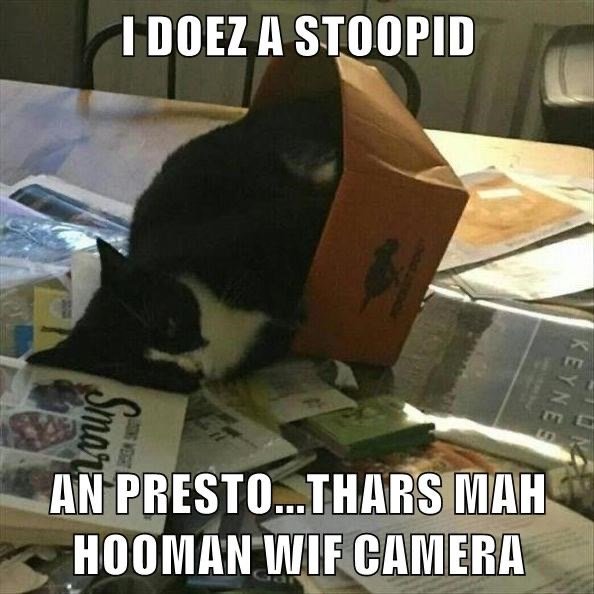 5. Feed them
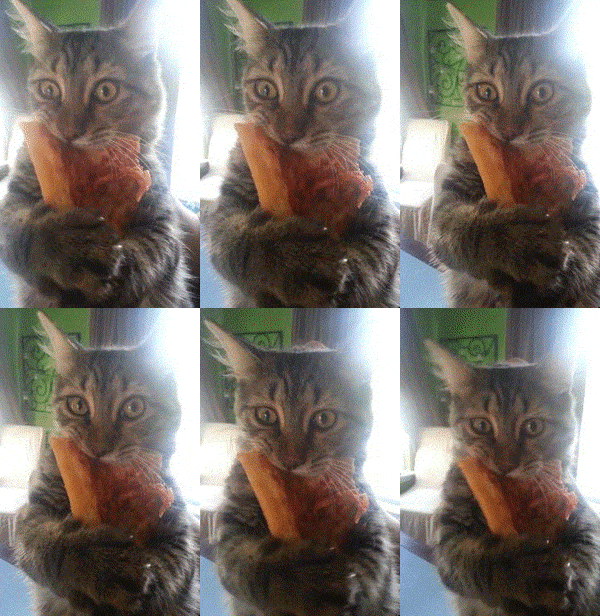 Welcome to the Lido Deck, B!! I’m so thrilled for you. Strike up the band… cuz B deserves a serenade for rocking her quit!!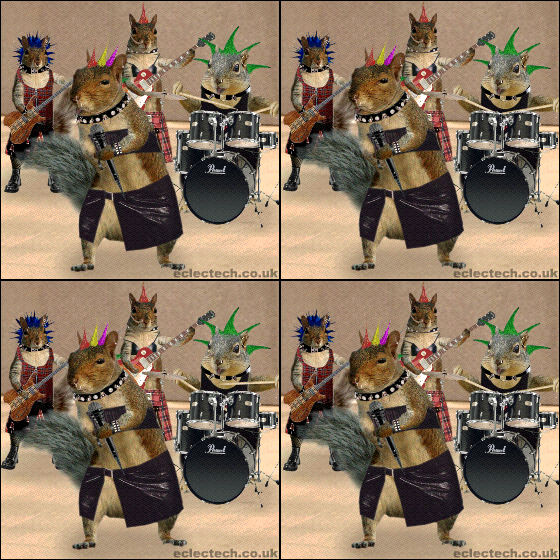






Important Information
Account
Navigation
Search
Configure browser push notifications
Chrome (Android)
- Tap the lock icon next to the address bar.
- Tap Permissions → Notifications.
- Adjust your preference.
Chrome (Desktop)
- Click the padlock icon in the address bar.
- Select Site settings.
- Find Notifications and adjust your preference.
Safari (iOS 16.4+)
- Ensure the site is installed via Add to Home Screen.
- Open Settings App → Notifications.
- Find your app name and adjust your preference.
Safari (macOS)
- Go to Safari → Preferences.
- Click the Websites tab.
- Select Notifications in the sidebar.
- Find this website and adjust your preference.
Edge (Android)
- Tap the lock icon next to the address bar.
- Tap Permissions.
- Find Notifications and adjust your preference.
Edge (Desktop)
- Click the padlock icon in the address bar.
- Click Permissions for this site.
- Find Notifications and adjust your preference.
Firefox (Android)
- Go to Settings → Site permissions.
- Tap Notifications.
- Find this site in the list and adjust your preference.
Firefox (Desktop)
- Open Firefox Settings.
- Search for Notifications.
- Find this site in the list and adjust your preference.