




Reciprocity
Members
-
Joined
-
Last visited
Everything posted by Reciprocity
-
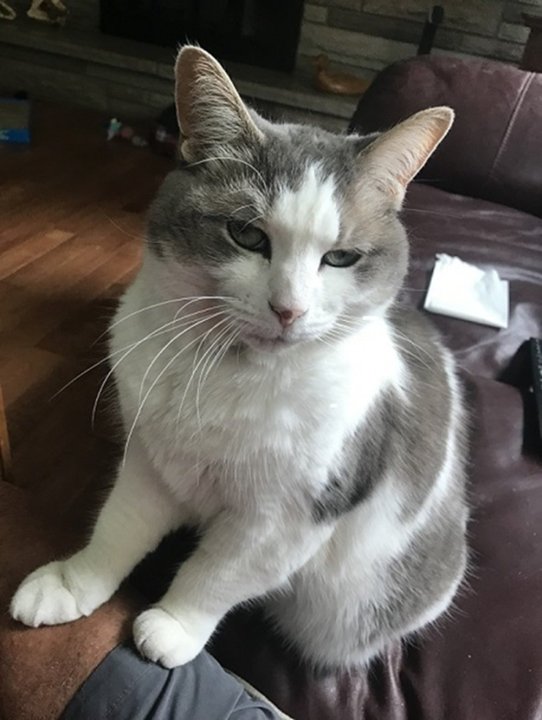
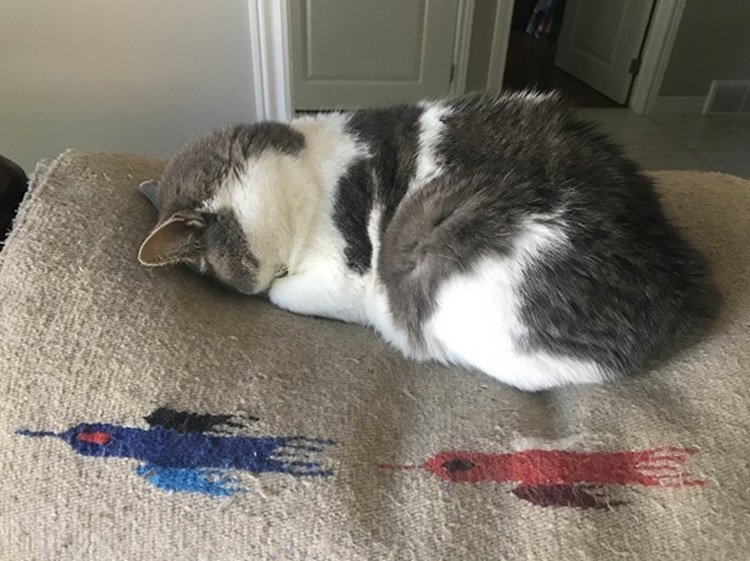
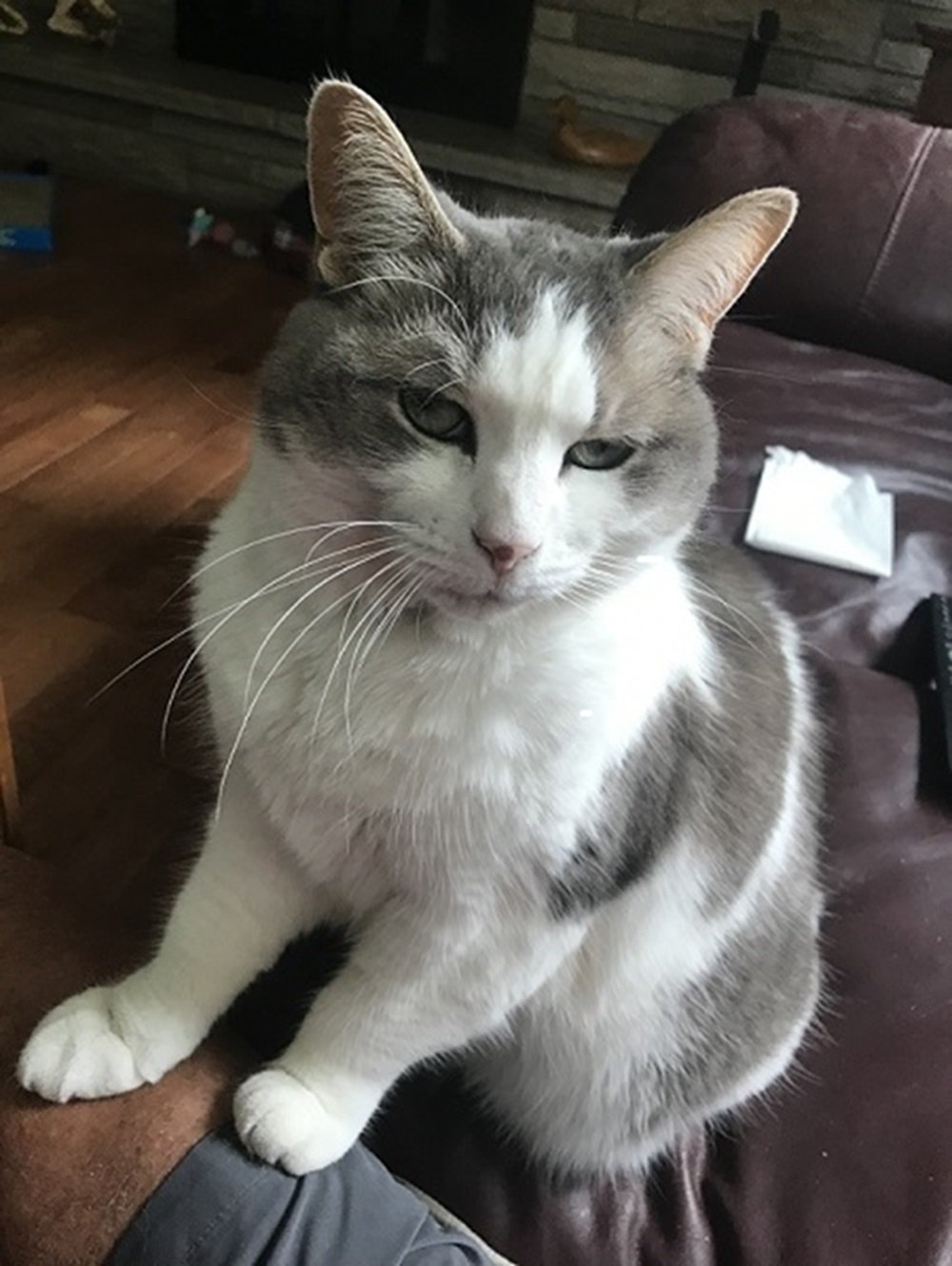
Nope!Nice one @Sunshine59! I'm sure you're enjoying all the ebbenefits of being a non-smoker as well! Stay the cource my friend!!Nope!Nope!Here's our Holly! Rescued her from our back yard just after Christmas one year - Hence the Name Holly. It was frightfully cold that year at -30 night time temps. She still shows the frostbite on her nose (the dark spot in the pic). We think she was abused then abandoned as she was very anti-social when we first caught her. She's been livin' the high life ever since👍 vi The face-plant sleep 😆
 Nope!3 Stick regain Top Spot!!








Important Information
Account
Navigation
Search
Configure browser push notifications
Chrome (Android)
- Tap the lock icon next to the address bar.
- Tap Permissions → Notifications.
- Adjust your preference.
Chrome (Desktop)
- Click the padlock icon in the address bar.
- Select Site settings.
- Find Notifications and adjust your preference.
Safari (iOS 16.4+)
- Ensure the site is installed via Add to Home Screen.
- Open Settings App → Notifications.
- Find your app name and adjust your preference.
Safari (macOS)
- Go to Safari → Preferences.
- Click the Websites tab.
- Select Notifications in the sidebar.
- Find this website and adjust your preference.
Edge (Android)
- Tap the lock icon next to the address bar.
- Tap Permissions.
- Find Notifications and adjust your preference.
Edge (Desktop)
- Click the padlock icon in the address bar.
- Click Permissions for this site.
- Find Notifications and adjust your preference.
Firefox (Android)
- Go to Settings → Site permissions.
- Tap Notifications.
- Find this site in the list and adjust your preference.
Firefox (Desktop)
- Open Firefox Settings.
- Search for Notifications.
- Find this site in the list and adjust your preference.