Reciprocity
Members
-
Joined
-
Last visited
Everything posted by Reciprocity
-
-
Nicely done Joe! Hope you do something a little special today in recognition of this milestone!

-
Keep up the good (quit) work!
-
-
At 100, I call her what ever I want cuz her hearing ain’t great 😊
-
Happy 100th Birthday to Mother Piggy! Her special day was yesterday and we actually got to visit with her for a 1/2 hour at the care facility she's in. Visitations are almost non-existent now with Covid but we had a great visit with her all the same. and brough lots of home baked cookies (Yum)! I think she had a great day even though she was dreading her 100th

-
Saint-Louis-De-Ha-Ha; Quebec & yes, that's snow on the ground with road plowed & lots of salt on the road. They sure know how to keep those roads clear in that part of the country and they need to cuz they get a ton of snow every year from Oct. - April.

-
Nope!
-
Congrats on 9 years Sarge!

-
Wow! 10 whole months without a smoke. That's fantastic Angeleek! You are on the cusp of completing a whole year so just stand on guard now and cruise to the finish of your first year. Well Done @Angeleek
-
Congrats Steven as you have now doubled your time as a nonsmoker! 2 Months without feeding your addiction is a major feat! Be sure to celebrate the occasion and look forward to month #3!

-
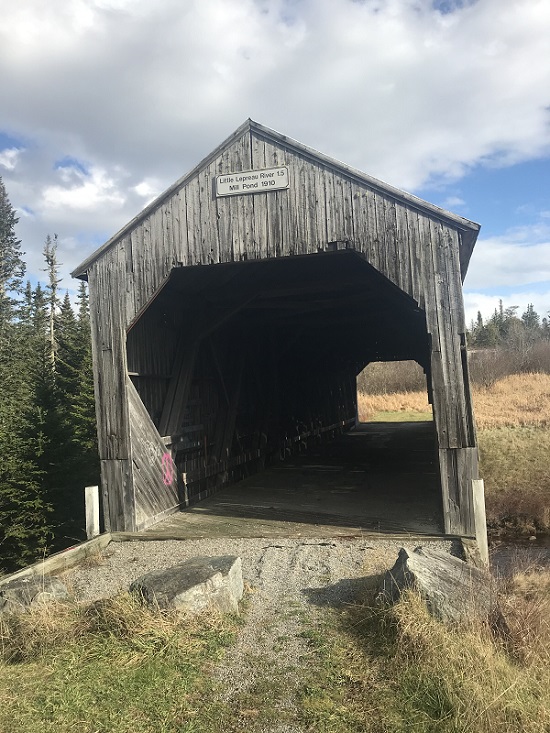
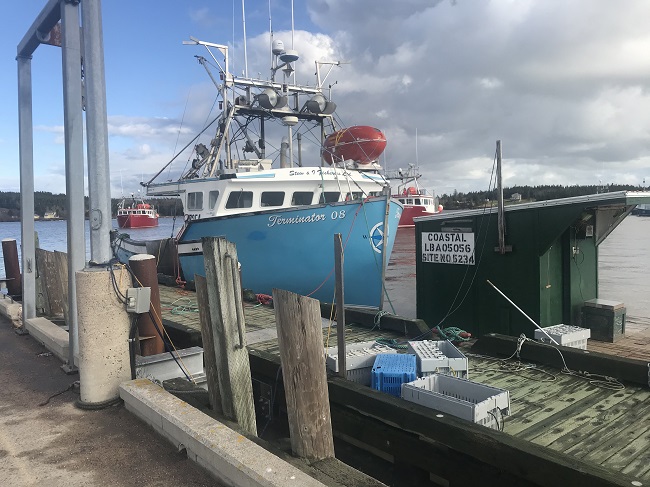
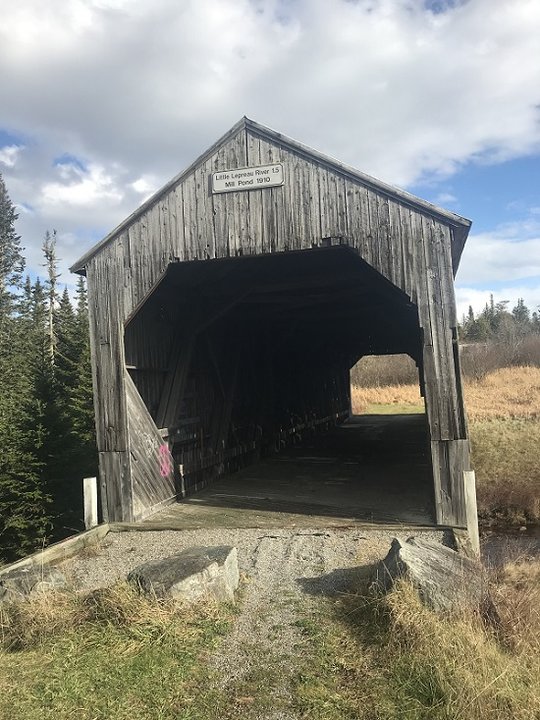
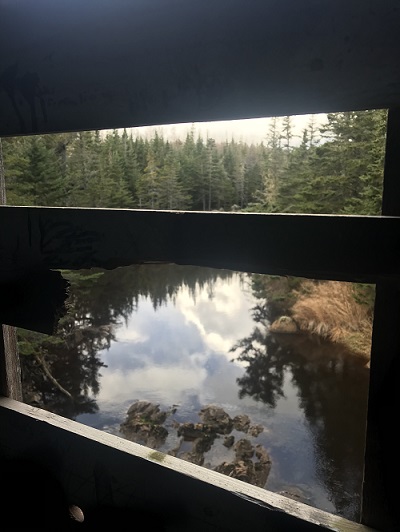
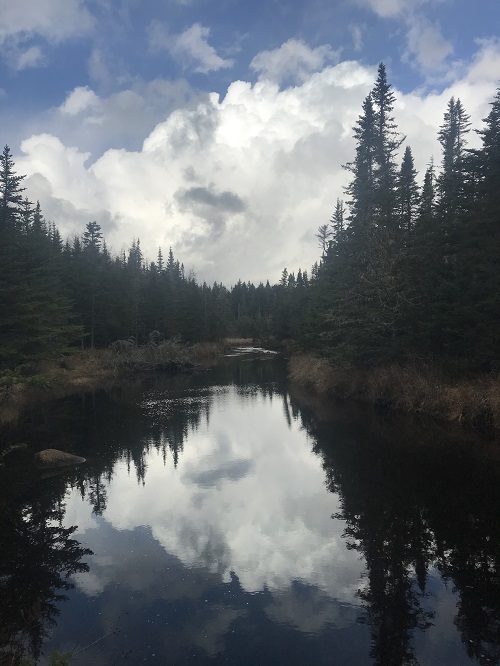
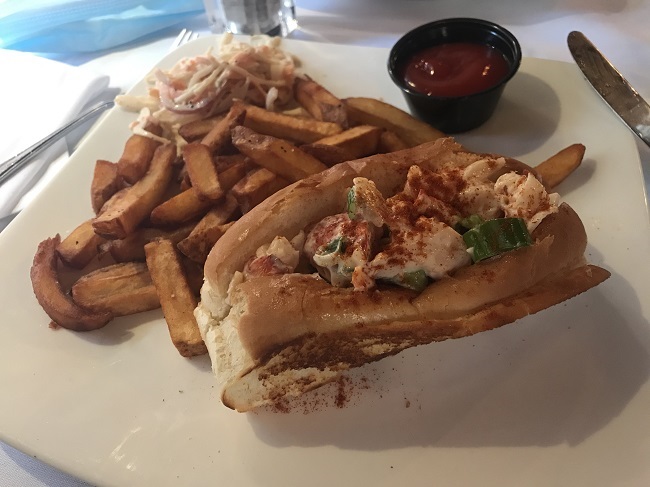
Went to Dipper Harbour, New Brunswick today. I have a cousin who lives there and haven't been down to see him in probably 15 years. Drove to the warf where the boats had just come in from the 5th day of Lobster season We stopped by an old abandon wooden covered bridge which were a common thing in the early part of the 20th century. Day is topped off with a super nice meal at Billy's Seafood Company in downtown Saint John, N.B. late in the day. Cold beer, bacon wrapped scallops and Lobster Roll with Fries 😍
-
Nope!
-
Great job Johnny5! Always there to give solid, non- judgmental support. That's made a difference to so many. Thanks for being there.

-
-
-
Nope!
-
-
-
-
-
Nope 👎🏻
-
Some see the light & some never do. It’s a shame really for those who choose to continue but we each of us have to make our own choices & live with the results.
-
-
Nope!