




Reciprocity
Members
-
Joined
-
Last visited
Everything posted by Reciprocity
-
Game starts at zero. Chicks (girls) count down. Sticks (guys) count up. When the score gets to -20 Chicks win. When the score gets to +20 sticks win. Bragging rights are the prize!
-
-
There's something really wrong with the response factor to this thread. I've posted several times recently when the score has read one thing then when my post comes up it's not even close to the actual score. I've noticed this happening with others as well recently - annoying! -14 (maybe?)
-
Oh Geez .... a girl Gus eh? Humm ............ OK, don't both with the chicks or sticks game then. It's no fun anyway 😏 By the way, good job fighting your way through another day. They tend to be long ones in the early stages of your quit. Hang in though; it does get better
-
Ya done good MQ! Have an extra large coffee to celebrate!
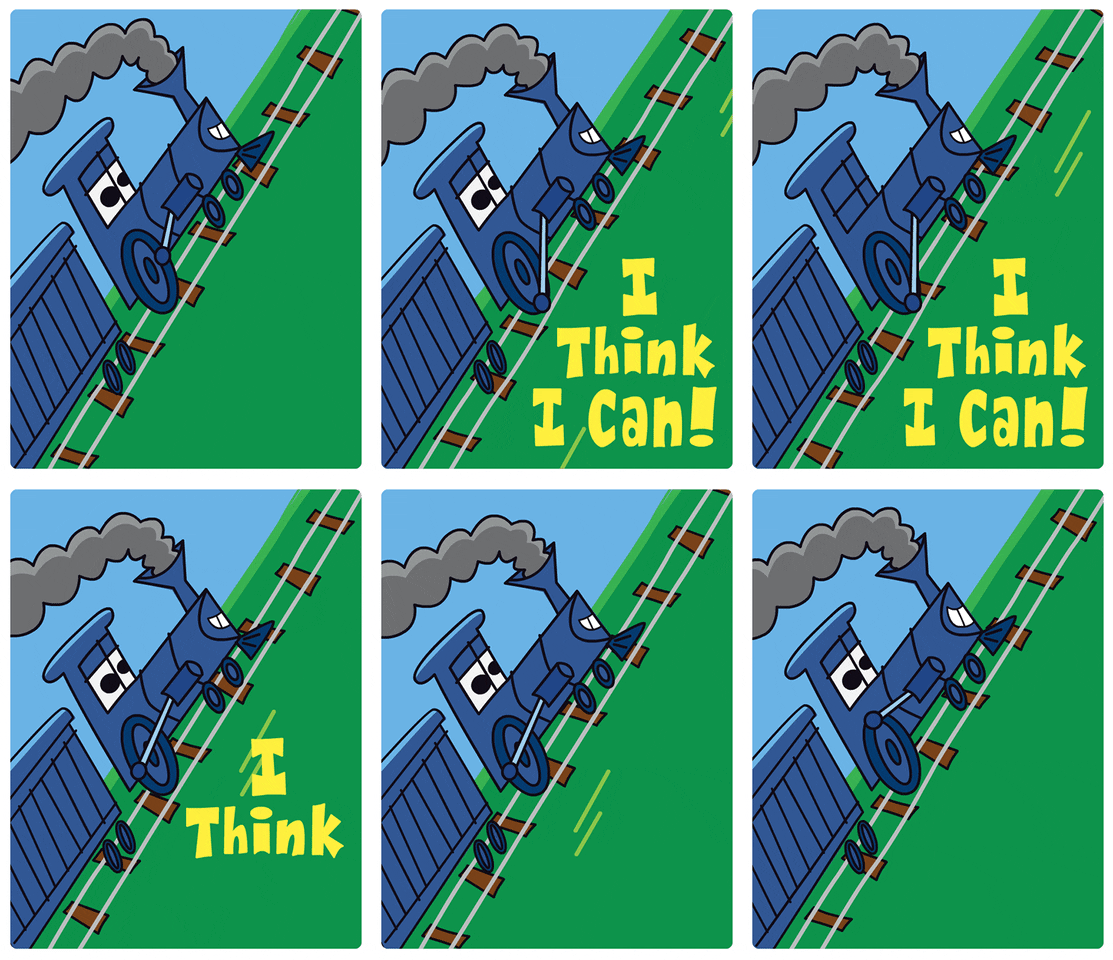
-
-
-
Shortest breath test in history 😆
 Yes! We can always use more guys in the Chicks or Sticks game I'm assuming you're not a chick named Gus? 😂🤣On a side note, I wonder why some people dream and others don't; or at least don't remember dreaming. I could count on the fingers of one hand the number of dreams I've ever had in my life. I think it's like 3? None involved smoking.Sounds like you have built yourself a pretty solid quit foundation Dogbelly. Congrats! Stand on guard & protect that quit always!Hey Gus! Welcome to Quit Train! A place where all will welcome you as a fellow quitter and give you all the support you want. There's also a ton of information and videos here about quitting. This place can make a big difference to someone just starting out who's feeling a little lost. First of all, quitting is an emotional experience, particularly in the early days so don't worry about that. It will settle soon enough. I too did not tell anyone in my family or my friends or coworkers I'd quit for some time. Don't know why. Probably so I wouldn't look like a fool if I caved in right away. I think that's pretty normal to have reservations about shouting out your intentions from the roof tops. My recommendation to you is to have a look around this forum and use all the information to your advantage. Stay close to this place for support. Anyone can quit with a solid commitment and a little support along the wayNope!Sorry to hear this Mee 😞 I'm glad you were at least able to get him to a better situation. As you say, the level of care in some of these places is in a sad state of affairs not only where you live but everywhere I fear. Covid has just made things worse as well due to added work to be done trying to keep everyone safe. I know where I live Covid has shone a pretty bright light on the shortcomings of many nursing homes so hopefully, something will be done to make future improvements?Good job Jeff! As breakfast food said; reward yourself for getting through a challenging time. Rewards are good. Every day going forward try challenging yourself to think about 1 good thing you have experienced since quitting. Saved money, better breathing, not having to hide from rain to smoke - whatever. There's many so pick one out every day and really focus on that benefit. Positivity beats negativity every time and soon you will start seeing the truth about nicotine addiction. It will happen - have faith!









Important Information
Account
Navigation
Search
Configure browser push notifications
Chrome (Android)
- Tap the lock icon next to the address bar.
- Tap Permissions → Notifications.
- Adjust your preference.
Chrome (Desktop)
- Click the padlock icon in the address bar.
- Select Site settings.
- Find Notifications and adjust your preference.
Safari (iOS 16.4+)
- Ensure the site is installed via Add to Home Screen.
- Open Settings App → Notifications.
- Find your app name and adjust your preference.
Safari (macOS)
- Go to Safari → Preferences.
- Click the Websites tab.
- Select Notifications in the sidebar.
- Find this website and adjust your preference.
Edge (Android)
- Tap the lock icon next to the address bar.
- Tap Permissions.
- Find Notifications and adjust your preference.
Edge (Desktop)
- Click the padlock icon in the address bar.
- Click Permissions for this site.
- Find Notifications and adjust your preference.
Firefox (Android)
- Go to Settings → Site permissions.
- Tap Notifications.
- Find this site in the list and adjust your preference.
Firefox (Desktop)
- Open Firefox Settings.
- Search for Notifications.
- Find this site in the list and adjust your preference.