




Reciprocity
Members
-
Joined
-
Last visited
Everything posted by Reciprocity
-
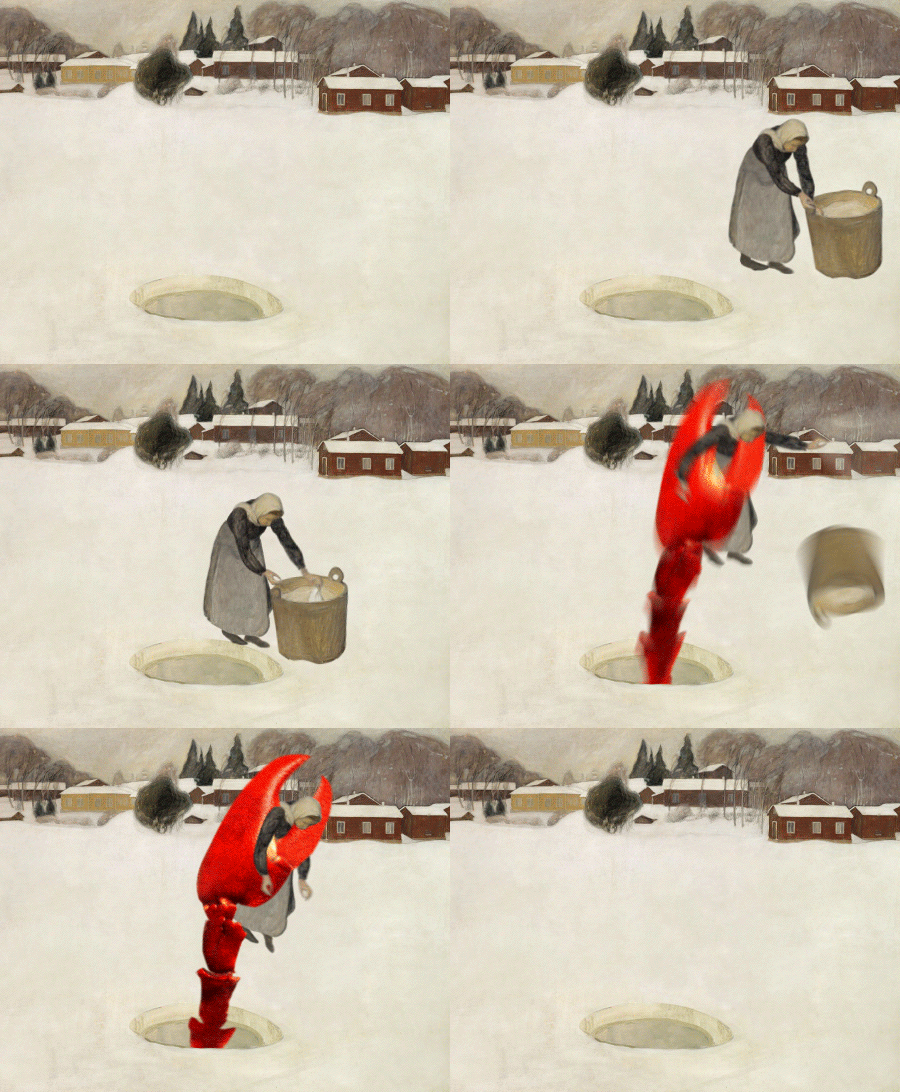
NOPE! You need to stay away from those Lobsters DB!
-
Just because we may be different from what society deems to be 'normal', doesn't mean we can't reach greatness in the things we strive to achieve - as demonstrated by Israel (Iz) Kamakawiwo'ole, one of Hawaii's most beloved singers. "Kamakawiwoʻole suffered from obesity throughout his life,[19] at one point weighing 757 pounds (343 kg) while standing 6 feet 2 inches (1.88 m) tall.[11] He endured several hospitalizations because of his weight.[11] With chronic medical problems including respiratory and cardiac issues, he died at the age of 38 in the Queen's Medical Center at 12:18 am on June 26, 1997, from respiratory failure.[11] On July 10, 1997, the Hawaiian flag flew at half-staff for Kamakawiwoʻole's funeral. His koa wood casket lay at the state capitol building in Honolulu, making him the third person (and the only non-government official) to be so honored. Approximately 10,000 people attended his funeral. Thousands of fans gathered as his ashes were scattered into the Pacific Ocean at Mākua Beach on July 12, 1997.[20] According to witnesses, many people commemorated him by honking their car and truck horns on all Hawaiian highways that day. Scenes from the funeral and scattering of Kamakawiwoʻole's ashes were featured in official music videos of "Over the Rainbow", released posthumously by Mountain Apple Company."
-
-
-
-
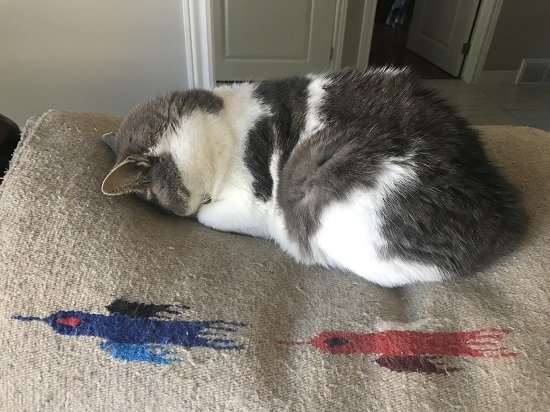
Nope!
-
-
About the inspiration for the author 'Bob Dylan': In the sleeve notes on the Freewheelin' album, Nat Hentoff would quote Dylan as saying that he wrote "A Hard Rain" in response to the Cuban Missile Crisis:[2] "Every line in it is actually the start of a whole new song. But when I wrote it, I thought I wouldn't have enough time alive to write all those songs so I put all I could into this one." In actuality, Dylan had written the song more than a month before the crisis broke. I prefer the cover by Bryan Ferry; formerly of Roxy Music!
-
-
-
-
Nope! Having cake instead.
 I make it a point to golf once a year. I don't recall what I shot though (or if I shot at all?)
 Nope!
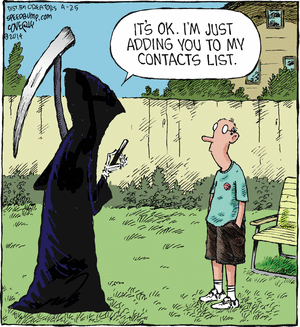
Nope! I want to be 18 again and ruin my life differently. I have new ideas!Big Tobacco isn't gonna like this although I suppose they'll just pass the additional cost on to smokers as they always do 🙄 https://www.canada.ca/en/health-canada/news/2022/06/government-of-canada-proposes-to-print-health-warnings-on-individual-cigarettes.htmlWhen celebrating my 25th anniversary, I looked at my wife and said, "Honey, 25 years ago, I lived in a one-room apartment, watched a 15-inch black-and-white TV, and drove a rusty old car. But, every night, I slept with a gorgeous blonde. But, now you're ageing, and I figure you're not keeping up your appearance like you did all those years ago, and I'm not too happy about that." My wife looked back at me and said, "It's true I may not be what I used to be in the looks department but, if you sleep with a gorgeous blonde tonight, I'll see that, once again, you're living in a one-room apartment, watching a 15-inch, black-and-white TV, and driving a rusty, old car."







Important Information
Account
Navigation
Search
Configure browser push notifications
Chrome (Android)
- Tap the lock icon next to the address bar.
- Tap Permissions → Notifications.
- Adjust your preference.
Chrome (Desktop)
- Click the padlock icon in the address bar.
- Select Site settings.
- Find Notifications and adjust your preference.
Safari (iOS 16.4+)
- Ensure the site is installed via Add to Home Screen.
- Open Settings App → Notifications.
- Find your app name and adjust your preference.
Safari (macOS)
- Go to Safari → Preferences.
- Click the Websites tab.
- Select Notifications in the sidebar.
- Find this website and adjust your preference.
Edge (Android)
- Tap the lock icon next to the address bar.
- Tap Permissions.
- Find Notifications and adjust your preference.
Edge (Desktop)
- Click the padlock icon in the address bar.
- Click Permissions for this site.
- Find Notifications and adjust your preference.
Firefox (Android)
- Go to Settings → Site permissions.
- Tap Notifications.
- Find this site in the list and adjust your preference.
Firefox (Desktop)
- Open Firefox Settings.
- Search for Notifications.
- Find this site in the list and adjust your preference.