




Reciprocity
Members
-
Joined
-
Last visited
Everything posted by Reciprocity
-
Exactly what i was thinking as well ... what the hell is RSV and where did it suddenly come from? I'd never heard of it until 6-12 months ago then suddenly, it's the new plague 🤒 I got a pile of vaccinations last fall ... the super-dose Flu shot, another Covid shot, the pneumococcal vaccine and, two shots for shingles ( I thought those things were just on my roof??). I felt like a pin cushion. Thought I'd start leaking with all the holes they put in me! I didn't get the RSV vaccine bacause they wanted like $350.00 for it 😱 Mind you, if I were gasping for air laying in a hospital bed I suppose that cost would seem trivial?
-
You know today I was reflecting on smoking and quitting and it dawned on me that 7 years ago today I could not imagine not lighting up upon awakening in the morning, after a meal or after finishing any task yet today, after 7 years being smoke free I can not for the life of me fathom why I ever smoked those damn things. They did absolutely nothing positive for me! Quitting brings about a complete metamorphosis in your life! You come out the other side as a completely different person free from the chains of addiction and able to live your life to the fullest.
-
-
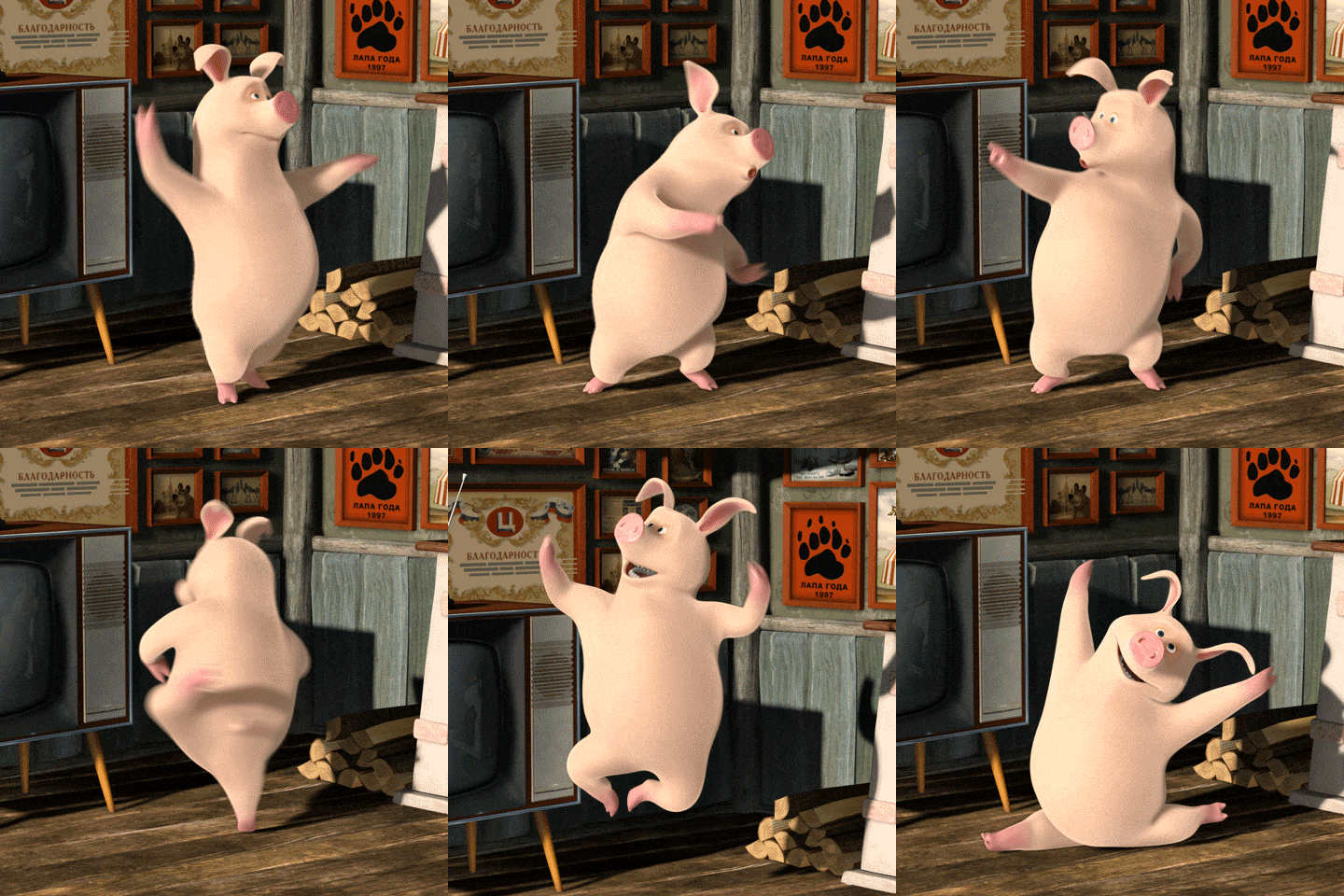
Yup! 7 years today. I remember that day like it was yesterday. So glad I managed to make it through the quit process and prevent further damage to my health. When people ask me how if feels to be a non-smoker, I say this: Then I do my Happy Quitter's dance:

-
-
-
I'll start be saying, I'm no expert nor am I a doctor but here's my 2 cents worth: Yes, I have heard of people continuing to imbibe in various nicotine suppliments for years after they quit so you are NOT alone in that respect. From my experience of quitting, the issue of ridding my body of nicotine was not a major issue. The real challenge was gradually changing my lifestyle to not include lighting up a smoke every hour or so when going about my daily routine. That took a good year or more to really solidify my new lifestyle and feel comfortable with it. If you were to stop the nico lozenges all nicotime would be out of your body within roughly 72 hours (3 days). That's the phyiscal reality; not the mental/emotional reality. I'm going to suggest that perhaps your fixation with the lozenges is more mental than physical in nature. If I were in your situation I think I might try going to a registered hypnotist to seek help in adjusting your mental fiz=xation on using the lozenges. Either that on a psycologist for a few session only because I think this is more a mental thing than physical. Just my opinion. Food for thought maybe? Hope you find an answer to your situation. Perhaps others will have some suggestions as well? By the way ... I got use to sucking hard candies while I was quitting. Keeping my mouth busy I suppose? I still suck on candies from time to time today. A habit I picked up while quitting and never really got rid of. The only difference between me and you is that my candies don't have nicotin in them but clearly I also have a mental fixation now on having something in my mouth?
-
I think you're right about Covid being less of a threat nowadays than it was a few years ago. These days RSV is the deep lung virus that scares me the most. I've know a couple of people who've had it and it's really nasty!!
-
-
-
-
Nope!
-
-
-
-
Oh my! That's terrible!! I've had a bunch of shots, probably 5 or 6 maybe? They've all been Pfizer and I had zero issues. If I had the reactions you've had, I wouldn't go near another shot either. Some people I know took the Moderna shots had bad reactions to them. Not sure if that was wide spread or just my experience.@QuittingGirl, I forgot to ask you if you are vaxed or not? With the previous varients of Coviid, they say being vaxed usually helped minimize the severity of Covid, especially for those most at risk of serious health issues. I think the varient that's going around these days is not as dangerous as the original Covid was. Viruses tend to do that; weaken as more and more varients are produced. Who knows though? I'm not a Dr. or scientist. I was just curious if you were vaxed or not.I understand you feel bad right now and feel you let yourself down maybe but don't be too hard on yourself becaue quitting is a process and sometimes it takes multiple tries to get it right. The most important bit is that you learned something from this quit attempt; in fact, you learned a lot!! Gather those thoughts around you next time you decide to give it a go and don't forget us all here. We will still be here to lend support whenever you're ready.






Important Information
Account
Navigation
Search
Configure browser push notifications
Chrome (Android)
- Tap the lock icon next to the address bar.
- Tap Permissions → Notifications.
- Adjust your preference.
Chrome (Desktop)
- Click the padlock icon in the address bar.
- Select Site settings.
- Find Notifications and adjust your preference.
Safari (iOS 16.4+)
- Ensure the site is installed via Add to Home Screen.
- Open Settings App → Notifications.
- Find your app name and adjust your preference.
Safari (macOS)
- Go to Safari → Preferences.
- Click the Websites tab.
- Select Notifications in the sidebar.
- Find this website and adjust your preference.
Edge (Android)
- Tap the lock icon next to the address bar.
- Tap Permissions.
- Find Notifications and adjust your preference.
Edge (Desktop)
- Click the padlock icon in the address bar.
- Click Permissions for this site.
- Find Notifications and adjust your preference.
Firefox (Android)
- Go to Settings → Site permissions.
- Tap Notifications.
- Find this site in the list and adjust your preference.
Firefox (Desktop)
- Open Firefox Settings.
- Search for Notifications.
- Find this site in the list and adjust your preference.