




Reciprocity
Members
-
Joined
-
Last visited
Everything posted by Reciprocity
-
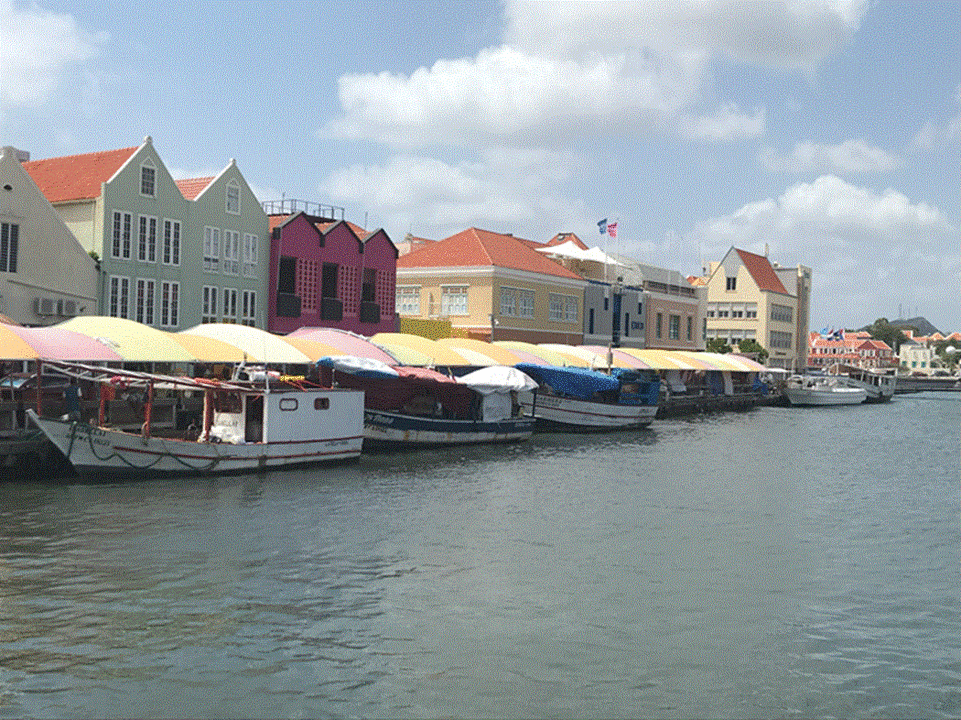
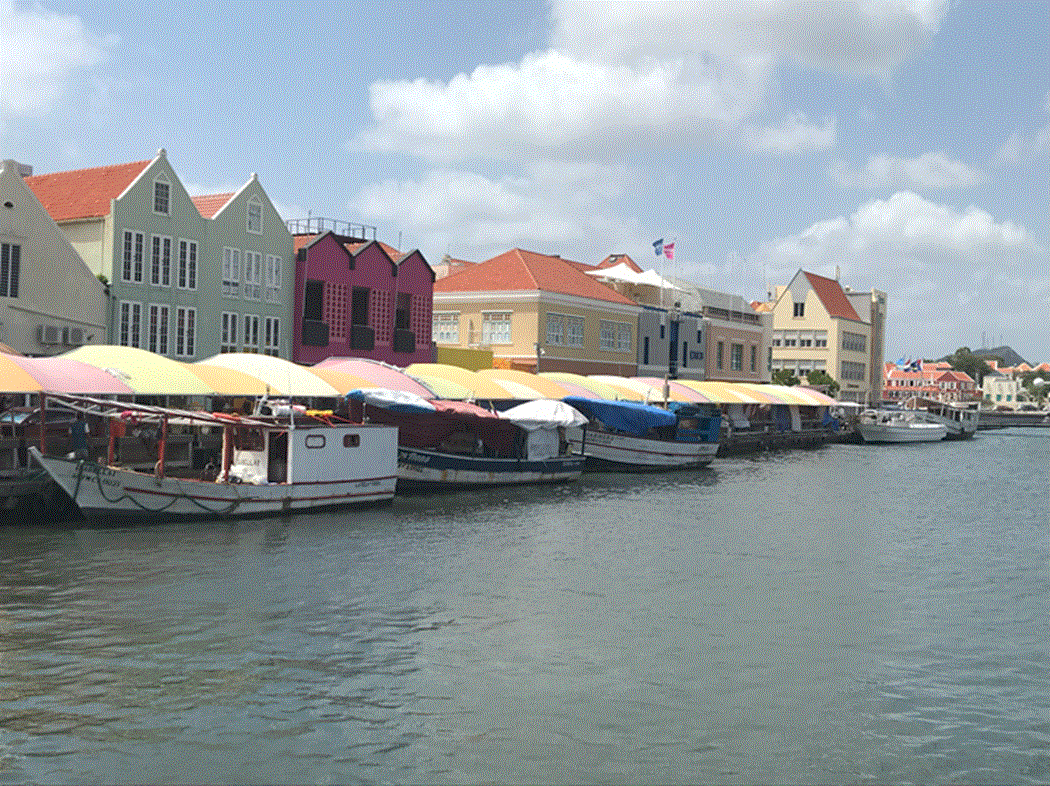
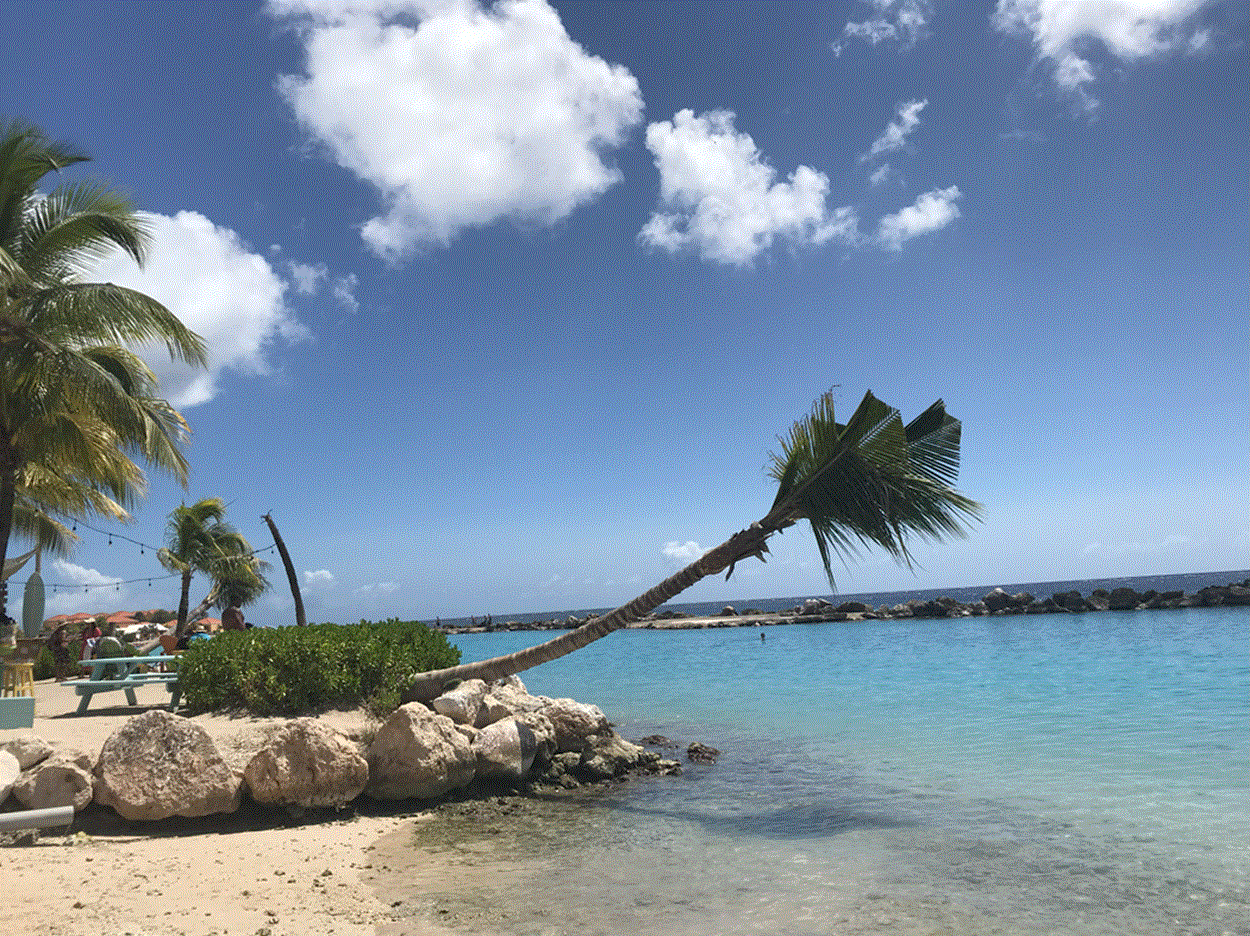
This cruise was actually two back-to-back cruises on the same ship; Holland America Rotterdam. It's a newish ship, about 4 years old. Very nice ship. Not one of those 6-8,000 people monsters so not overly crowded. We had a lot of sea days on this one which was fine with us. Relaxing by the pool while shaking off the winter cold We stopped in The Bahamas, Curacao, Aruba, Caragena Columbia then did a partial transit of the Panama Canal. Also stopped in Colon Panama then over to a stop in Costa Rica where we went for a tour to a beach community up the coast called Puerto Viejo de Talamanca, a heaven for back-packers and other "naturalists". Last stop was Grand Caymen before heading back to Fort Lauderdale. There was an interesting fruit/veggie market in Curacao. Venezulan men bring all sorts of fruit & veggies 37 miles across ocean waters in small boats to the Island of Curacao and set up a market to sell them. Bananas still on the banana plant tree limb.


-
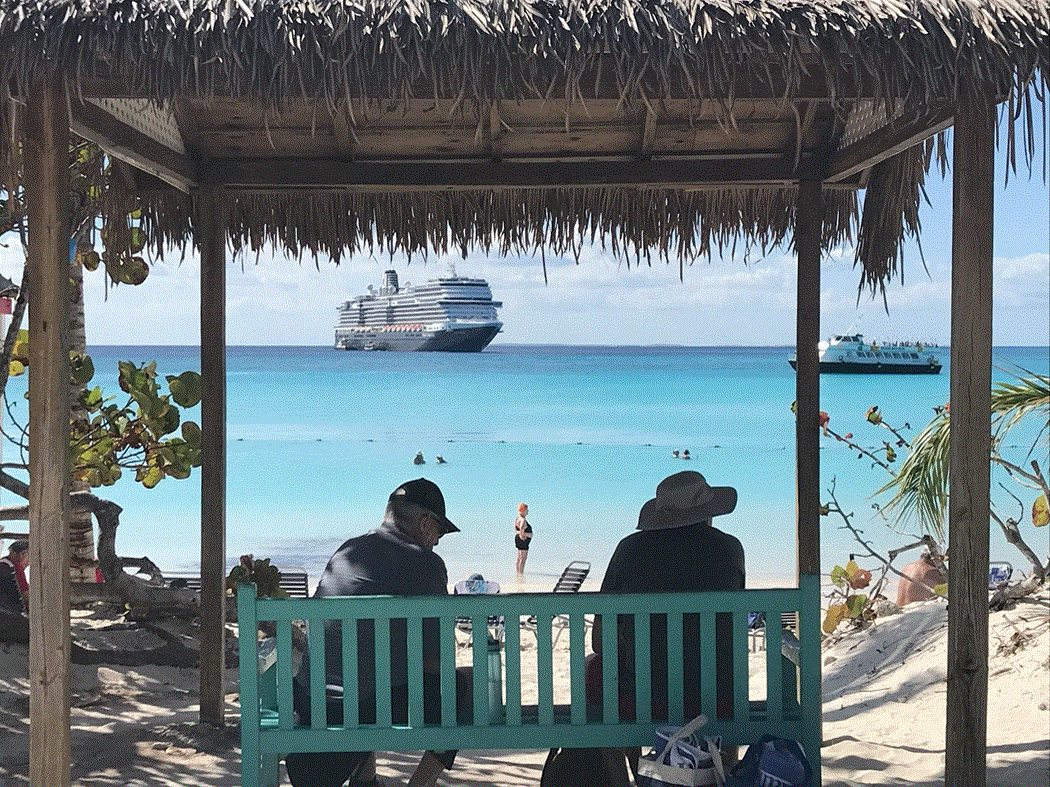
Nice to be back but being away was pretty good too! Hald Moon Cay; Bahamas: Los Colorados Wildlife Sanctuary - in Cartagena Columbia; S.A. Old Town Cartagena; walled city; South America.



-
-
-
-
Wow! 8 Years already. How that decision changed your life for the better! I still remember that winter day your car wouldn't start and I had to give you a ride home 🐖 Hope you & the Fam are doin' great!!
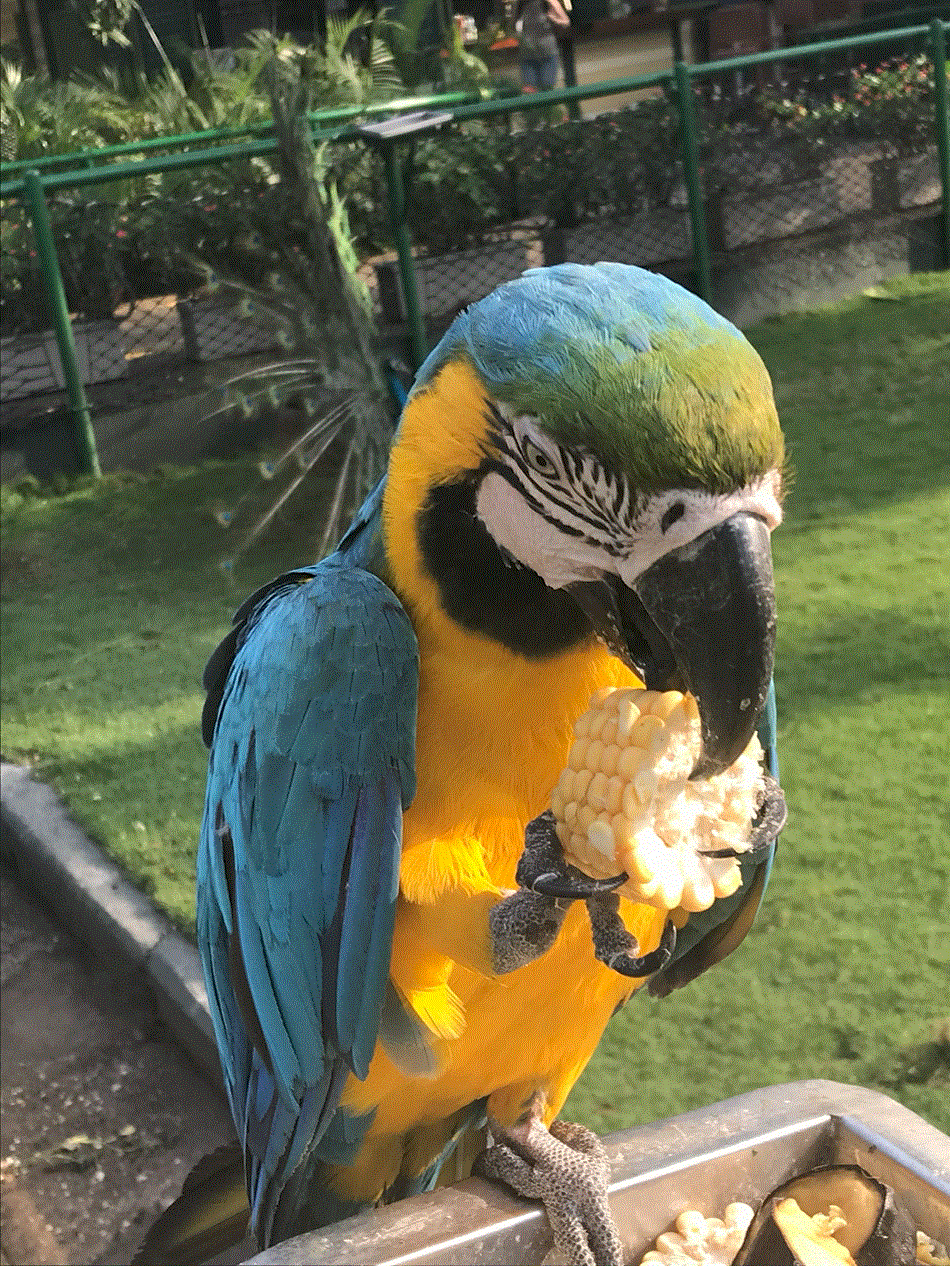
 That's right ^^! Post here as often as you can and bare your soul. Tell us how & what you're feeling. We've all been there and we've all experienced everything you'll go through. It really does help to know ... you're NOT alone! Distraction is key in the early days. Play the games here. Get to know others who'll you'll be able to relate to because we're all quitters. Quitting is a journey you need to take to learn how to live again without smokes. Be patient, stay committed! You need to ratchet up you're commitment to stay quit to stay ahead of your addiction's desire to smoke again. You can win if you stay the course!Polly want a cigarette? Nope! Polly wants corn on the cob!!
 Big congrats to you today @Brioski!! Hope you enjoy this day & relish in the pride of accomplishment that you do rightly deserve 👍Jumping off the train for a few weeks. Gotta get up at 1:30 AM & get to the airport for a flight to Fla Stay there overnight then getting on a cruise ship to float around the Caribbean for awhile. We'll see how it goes?
 Nope!
Nope! In case you hadn't noticed, we have someone (might be @Brioski) about to be piped onto the Lido Deck next Tuesday, Feb. 20, 2024. We need to start prepping for a blow-out Lido Deck Party. Bring what you can to help celebrate! 1st order of business; I need 3 strong peeps to help me get this cruise ship launched again. If we all grab a corner, we should be able to walk this baby down the hill to the ocean again!












Important Information
Account
Navigation
Search
Configure browser push notifications
Chrome (Android)
- Tap the lock icon next to the address bar.
- Tap Permissions → Notifications.
- Adjust your preference.
Chrome (Desktop)
- Click the padlock icon in the address bar.
- Select Site settings.
- Find Notifications and adjust your preference.
Safari (iOS 16.4+)
- Ensure the site is installed via Add to Home Screen.
- Open Settings App → Notifications.
- Find your app name and adjust your preference.
Safari (macOS)
- Go to Safari → Preferences.
- Click the Websites tab.
- Select Notifications in the sidebar.
- Find this website and adjust your preference.
Edge (Android)
- Tap the lock icon next to the address bar.
- Tap Permissions.
- Find Notifications and adjust your preference.
Edge (Desktop)
- Click the padlock icon in the address bar.
- Click Permissions for this site.
- Find Notifications and adjust your preference.
Firefox (Android)
- Go to Settings → Site permissions.
- Tap Notifications.
- Find this site in the list and adjust your preference.
Firefox (Desktop)
- Open Firefox Settings.
- Search for Notifications.
- Find this site in the list and adjust your preference.