Leaderboard
-

Mac#23
Members36Points18752Posts -

jillar
Moderators33Points25798Posts -
Doreensfree
Moderators24Points35931Posts -

catlover
Members20Points11319Posts




Popular Content
Showing content with the highest reputation on 12/05/20 in all areas
-
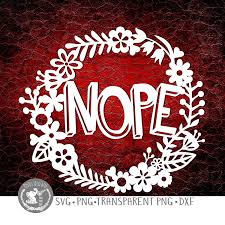
8 pointsG’day NOPE .....Not One Puff Ever.... (replace Ever with Min Hour Day as required)8 points
-
8 points
-
8 points
-
7 points
-
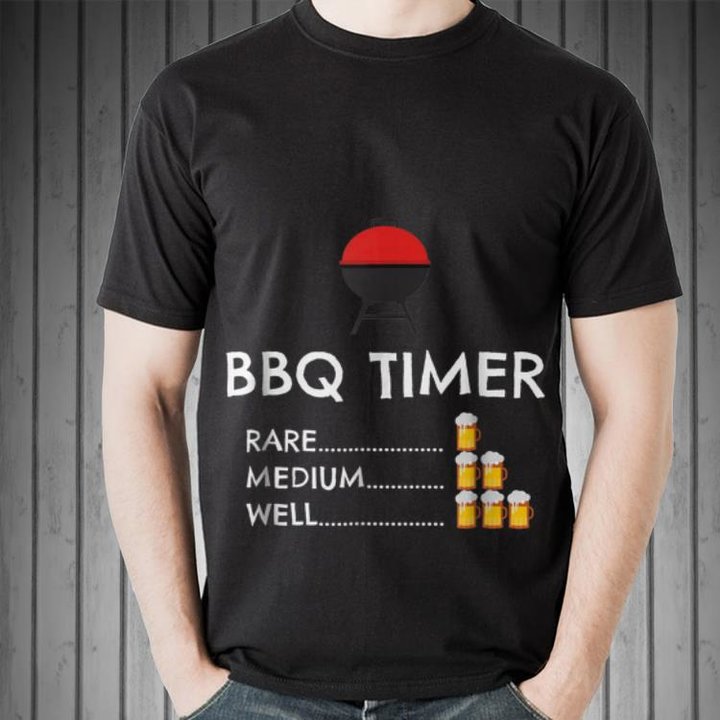
6 points6 points6 points6 pointsTo: @Steven Drojensky, because of your love of music To: @Rozuki, who I hope to see soon and because of your love for music6 points5 points5 points5 points4 pointsFor our cbdave. Now his bbq's will always be perfect!
 4 pointsTo Nancy... Look at these beauties for you ...xx
 4 points4 points4 points4 points4 points4 points4 points4 points4 points4 pointsFor my dear Doreen. I thought this would be a nice reading light and would help stimulate your imagination.
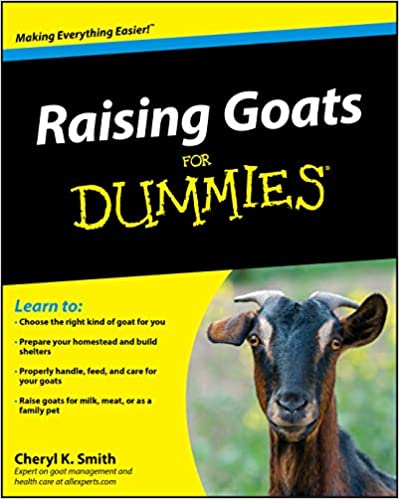
 3 pointsI am so sorry johnny5. These are such trying and sad times. I am sure the statistics on suicide will be very high this year. This is a good reminder to reach out to those friends we have lost touch with.3 pointsFor our Boo! Want to be sure Maddies goats are taken good care of.
 3 points3 points3 points3 points3 pointsHey Mac! Great you got another month, I’m so happy for you...
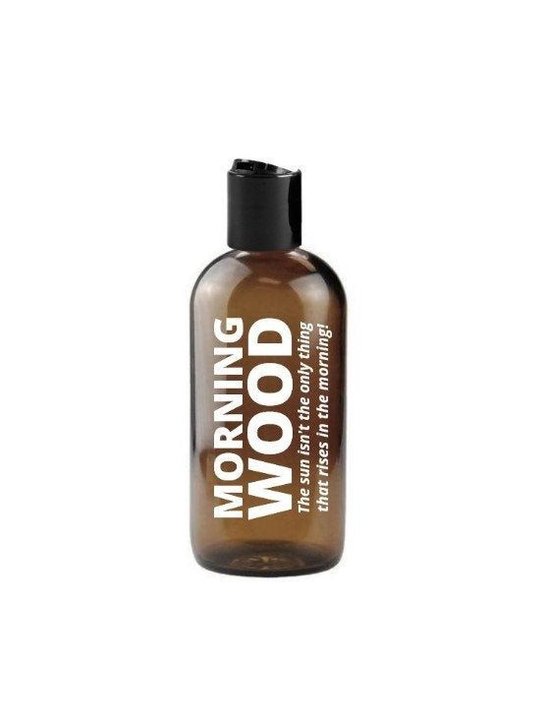
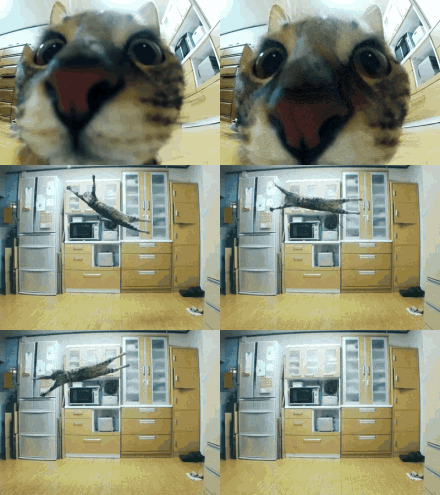 3 points3 points3 points3 points3 points2 points2 points2 points2 pointsFor jillar For Mona Mona lisa selfie t-shirt2 points2 points2 points2 points2 points2 points2 pointsG’day NOPE .....Not One Puff Ever.... (replace Ever with Min Hour Day as required)2 points2 points2 points2 points2 pointsTo: @JimHannoonen, because he loves them2 points2 pointsTo: Boo so you can bring home your donkeys 😊2 points1 point1 pointFor my Darling BooBoo....some Smellies !!!!
 1 point1 point1 pointThis leaderboard is set to New York/GMT-04:00
Important Information
Account
Navigation
Search
Configure browser push notifications
Chrome (Android)
- Tap the lock icon next to the address bar.
- Tap Permissions → Notifications.
- Adjust your preference.
Chrome (Desktop)
- Click the padlock icon in the address bar.
- Select Site settings.
- Find Notifications and adjust your preference.
Safari (iOS 16.4+)
- Ensure the site is installed via Add to Home Screen.
- Open Settings App → Notifications.
- Find your app name and adjust your preference.
Safari (macOS)
- Go to Safari → Preferences.
- Click the Websites tab.
- Select Notifications in the sidebar.
- Find this website and adjust your preference.
Edge (Android)
- Tap the lock icon next to the address bar.
- Tap Permissions.
- Find Notifications and adjust your preference.
Edge (Desktop)
- Click the padlock icon in the address bar.
- Click Permissions for this site.
- Find Notifications and adjust your preference.
Firefox (Android)
- Go to Settings → Site permissions.
- Tap Notifications.
- Find this site in the list and adjust your preference.
Firefox (Desktop)
- Open Firefox Settings.
- Search for Notifications.
- Find this site in the list and adjust your preference.