
Skip to content
View in the app

A better way to browse. Learn more.

Quit Train, A Quit Smoking Support Community

A full-screen app on your home screen with push notifications, badges and more.

To install this app on iOS and iPadOS
  1. Tap the Share icon in Safari
  2. Scroll the menu and tap Add to Home Screen.
  3. Tap Add in the top-right corner.
To install this app on Android
  1. Tap the 3-dot menu (⋮) in the top-right corner of the browser.
  2. Tap Add to Home screen or Install app.
  3. Confirm by tapping Install.

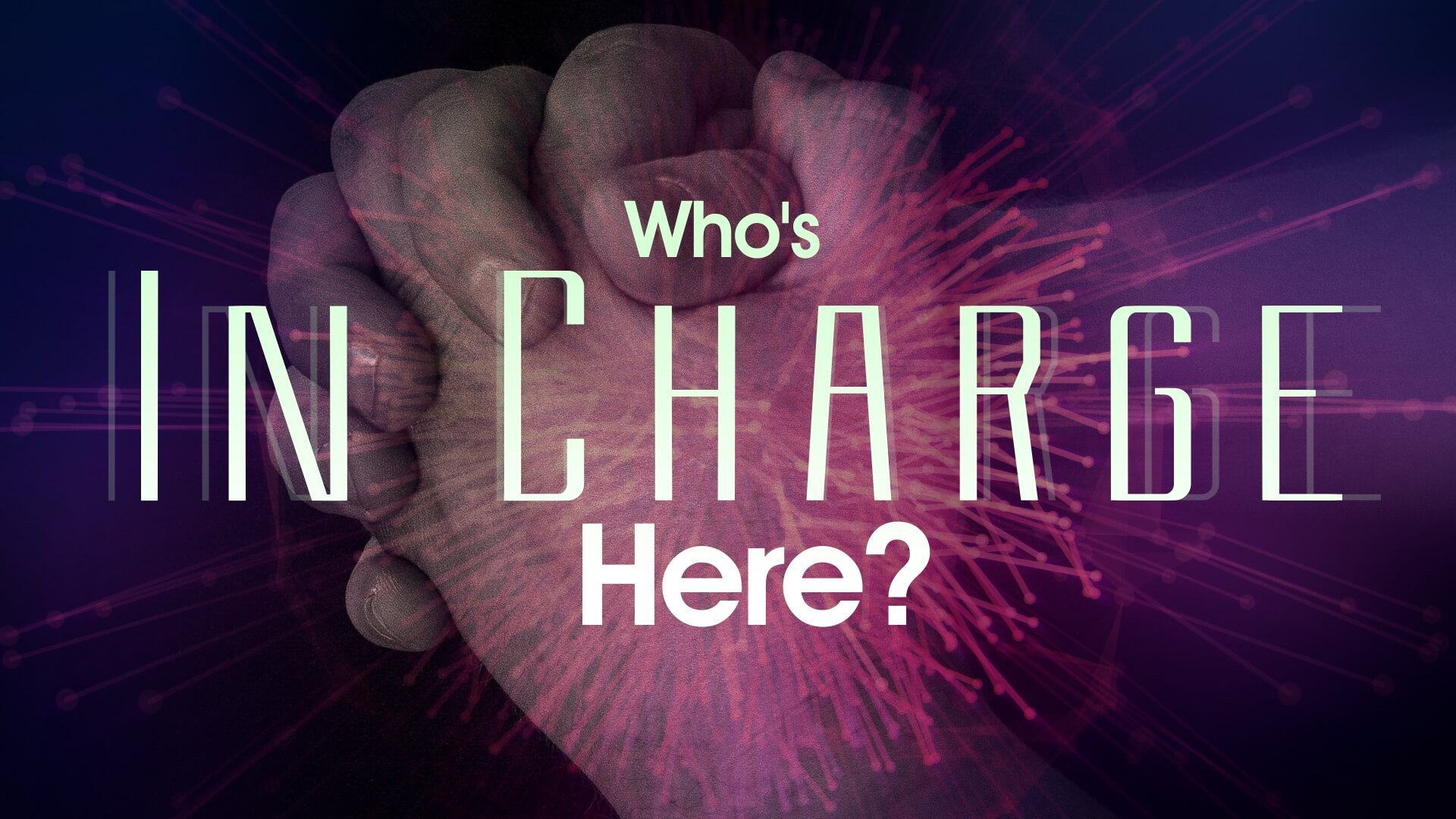
Who Is In Charge Of This Quit?

Tink

Quit Date: 22/11/2013


Posted April 12, 2014 


YOU - thats who!


no one else


no situation you find yourself in however difficult 


its all down to YOU


sometimes you just have to bring your big bad ass self to the surface and say "I am in charge here" - "This is my quit, my life"


and nothing and no-one is going to bring me down!


(I am not a creative writer, I say it how it is for me - the above statement has saved my quit - I hope it reaches someone else) 


Link to original post: https://www.quittrain.com/topic/565-who-is-in-charge-of-this-quit/


Edited by jillar

0 Comments

Recommended Comments

There are no comments to display.

Guest
Add a comment...

Account

Navigation

Search

Search

Configure browser push notifications

Chrome (Android)
  1. Tap the lock icon next to the address bar.
  2. Tap Permissions → Notifications.
  3. Adjust your preference.
Chrome (Desktop)
  1. Click the padlock icon in the address bar.
  2. Select Site settings.
  3. Find Notifications and adjust your preference.
